
Technician and driver GPS tracking, without the hardware.
See every technician and driver on one live map, know who's closest to the next call, and share a live ETA with the customer, all from the technician app on the phone your team already carries.
Free for 30 days · Then from US$49 a month · No setup fee, no contract

 Technician app for iPhone, iPad and Android.
How do I track my team without GPS hardware?
Use the phones your team already carries. With ArrivePing, each technician or driver signs in on their phone. Dispatchers see everyone on a live map with their status, jobs are assigned partly by distance, and a geofence logs arrival automatically. Location is shared only while someone is on the clock, and customers see it only while that person is on the way to them.
Last updated
What can you see on the live map?
Live map
Technicians and drivers on one map with their status, current job and ETA to the next stop.
Phone-based GPS
Location comes from the technician app. No OBD-II plug-ins, no installs, no per-vehicle hardware fees.
Closest-tech dispatch
Distance to the job is one of the signals ArrivePing uses to rank and auto-assign technicians.
Geofenced arrival
A geofence marks the technician as arrived and starts the on-site clock, with a manual tap as backup.
Customer ETAs
The same location powers the customer's live tracking page while the technician is on the way.
Privacy by design
Customers only see a technician's progress toward their own appointment, and only while they're travelling to it.
Phone GPS or vehicle trackers: which do service teams need?
Telematics boxes report where a vehicle is. Service businesses usually need to know where a technician is, what job they're on and when they'll reach the next customer. Tying location to the job, not just the van, lets ArrivePing dispatch by distance, confirm arrival at the right address and keep the customer updated with no extra hardware.
If you need engine diagnostics, fuel data or driver-behaviour scoring, a dedicated telematics product does that well, and ArrivePing can sit alongside it.
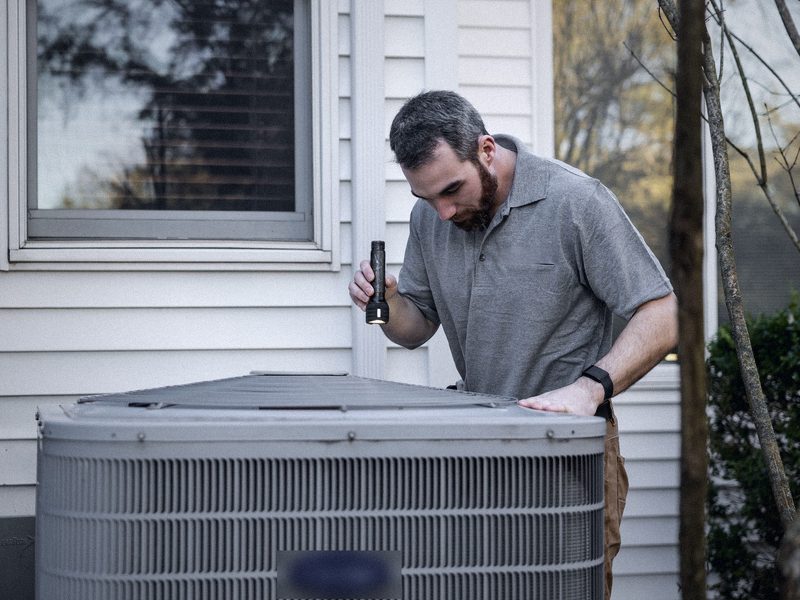
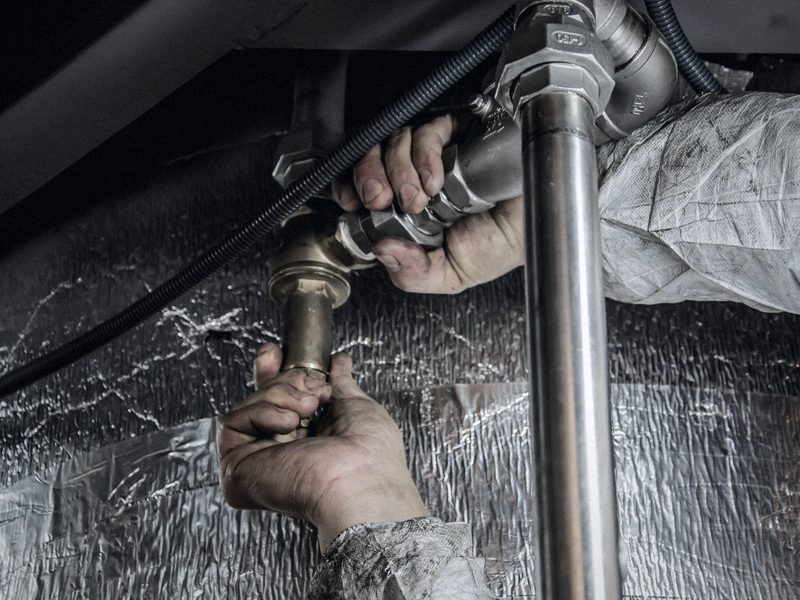
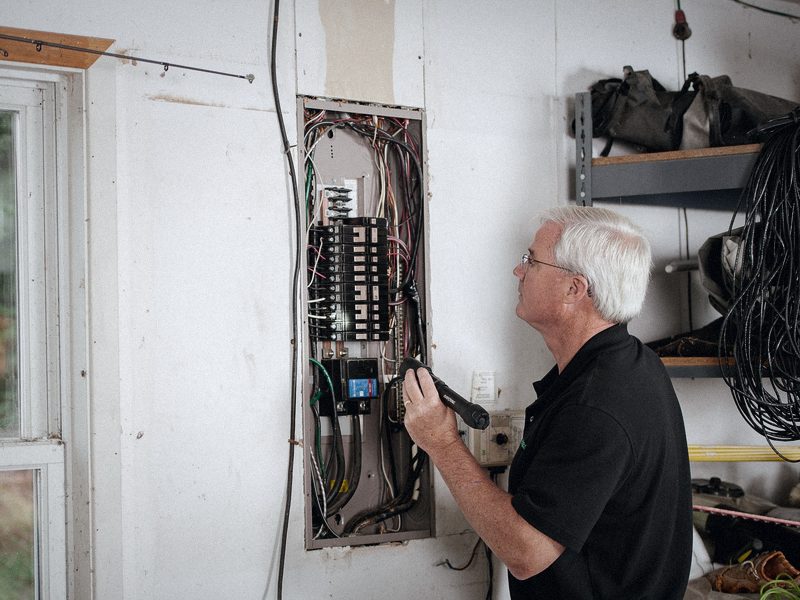
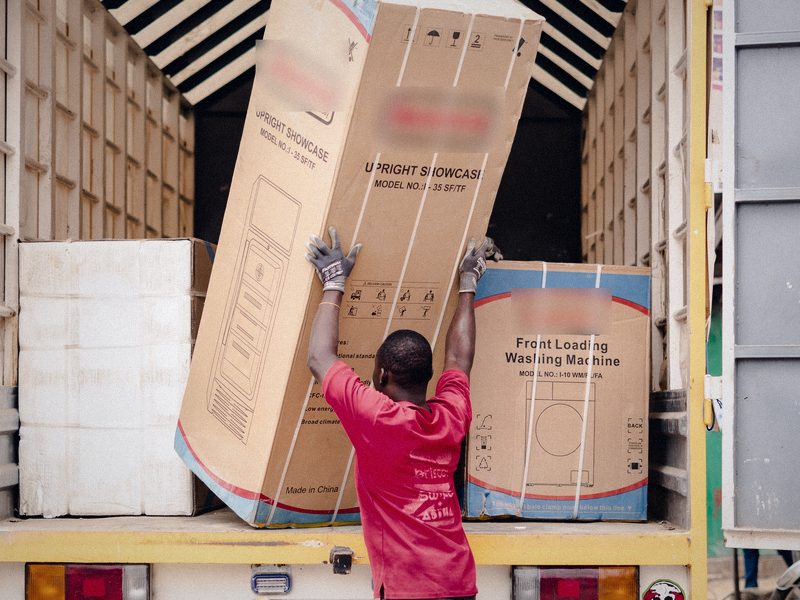
Fleets we're built for.




Technician GPS tracking FAQs
Do I need GPS hardware in my vehicles?
No. ArrivePing uses the location from the phone your technicians and drivers already carry (the ArrivePing app for iPhone, iPad and Android), so there are no plug-in trackers to buy or install.
When can customers see the technician's location?
Only while the technician is travelling to that customer's appointment, from the moment they mark themselves on the way. Location sharing with the customer stops when the technician arrives; the page still shows the job details, time and cost.
Can I see my whole team on one map?
Yes. The dispatch view shows every technician and driver on a live map with their status: available, en route, on site or on a job.
How does arrival get confirmed?
A geofence around the job address marks the technician as arrived and starts the on-site time clock. Technicians can also tap to mark arrival manually.
Can I see the route and mileage for each job?
Yes. The route driven to and from each job, the mileage and the travel time are recorded and saved on the job report.
Is tracking on all the time?
No. Technicians share location only while they're on the clock, and customers see it only while that person is on the way to their job.
How much does ArrivePing cost?
ArrivePing starts at $49 USD a month, which includes one dispatch user and two drivers. Drivers 3–29 are $30 each and every driver from 30 on is $25, billed monthly. One dispatcher license is included in every plan; a second dispatcher or a manager is priced like a driver. Each rate applies only to the drivers in its band, so adding a driver never makes your bill jump.

Dispatch your first job today.
Sign up, paste your website and the setup agent builds your workspace while you watch. Free for 30 days, then from US$49 a month.
- Sign upNo sales call and no demo to book.
- Paste your websiteThe agent builds your brand, services, catalog, job templates and customer texts.
- Invite your teamTechnicians join from a text on the phone they already carry.
Moving from another system or need a custom integration? contact@nvc360.com
Start your 30-day free trial
- As many users as you like, for the whole trial
- Card on file, $0 until day 30
- Cancel before day 30 and you're never billed
- Then from US$49 a month: 1 dispatcher + 2 drivers
No setup fee, no contract, no GPS hardware.