Do You Need GPS Trackers in Your Service Vans? Phone vs. Vehicle Tracking
Phone app or a GPS tracker in every van? What each tracks, what it costs, the privacy rules in Canada and the U.S., and how a service business should choose.
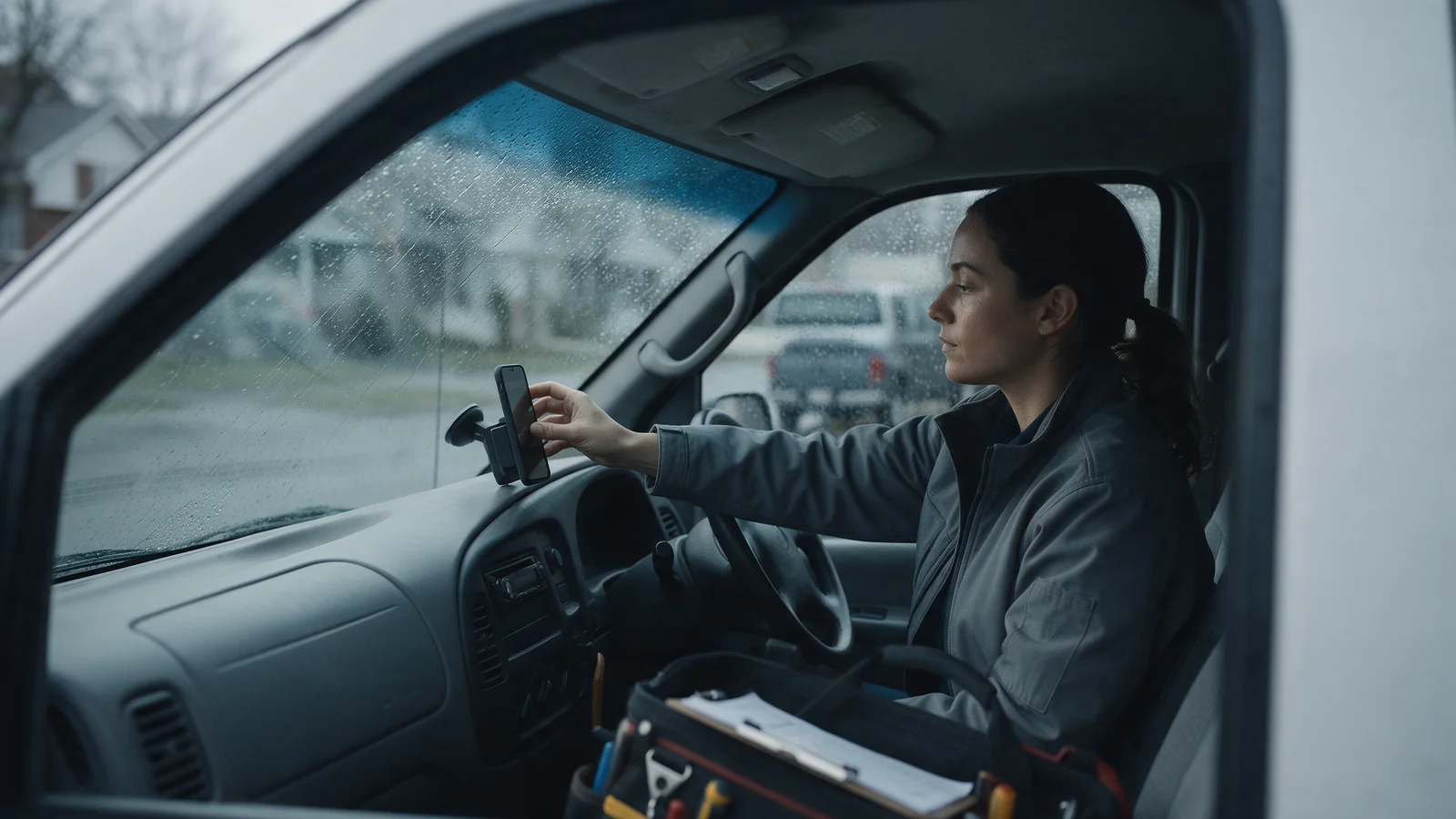
Most field service businesses do not need a GPS tracker in every van. If the job is dispatching the closest technician, confirming arrival and sending customers a live ETA, the phone your technician already carries does it, because it follows the person rather than the vehicle; 91% of U.S. adults own a smartphone (Pew Research Center, 2025). Vehicle trackers earn their monthly fee when you need data only the engine has (idling, diagnostics, theft recovery) or your drivers fall under electronic logging rules.
This guide compares the two on what they track, what they cost, and what the privacy rules in Canada and the U.S. ask of you. It is written for owners and dispatchers of HVAC, plumbing, electrical, delivery and trade crews with roughly 3 to 50 vehicles.
What is the difference between phone tracking and a vehicle GPS tracker?
A vehicle tracker reports where the vehicle is. A phone app reports where the technician is. For a service business, that difference decides most of what follows.
- Vehicle trackers are small devices that plug into the vehicle or are wired in. The most common kind plugs into the OBD-II diagnostic port, which the U.S. EPA has required on all passenger cars and trucks from the 1996 model year (California Air Resources Board). Housecall Pro's tracker, for example, "plugs into the OBD-II port on any light truck, van, or car built since 1996" (Housecall Pro). Because they sit on the engine's data bus, they can also report speed, fuel and engine data.
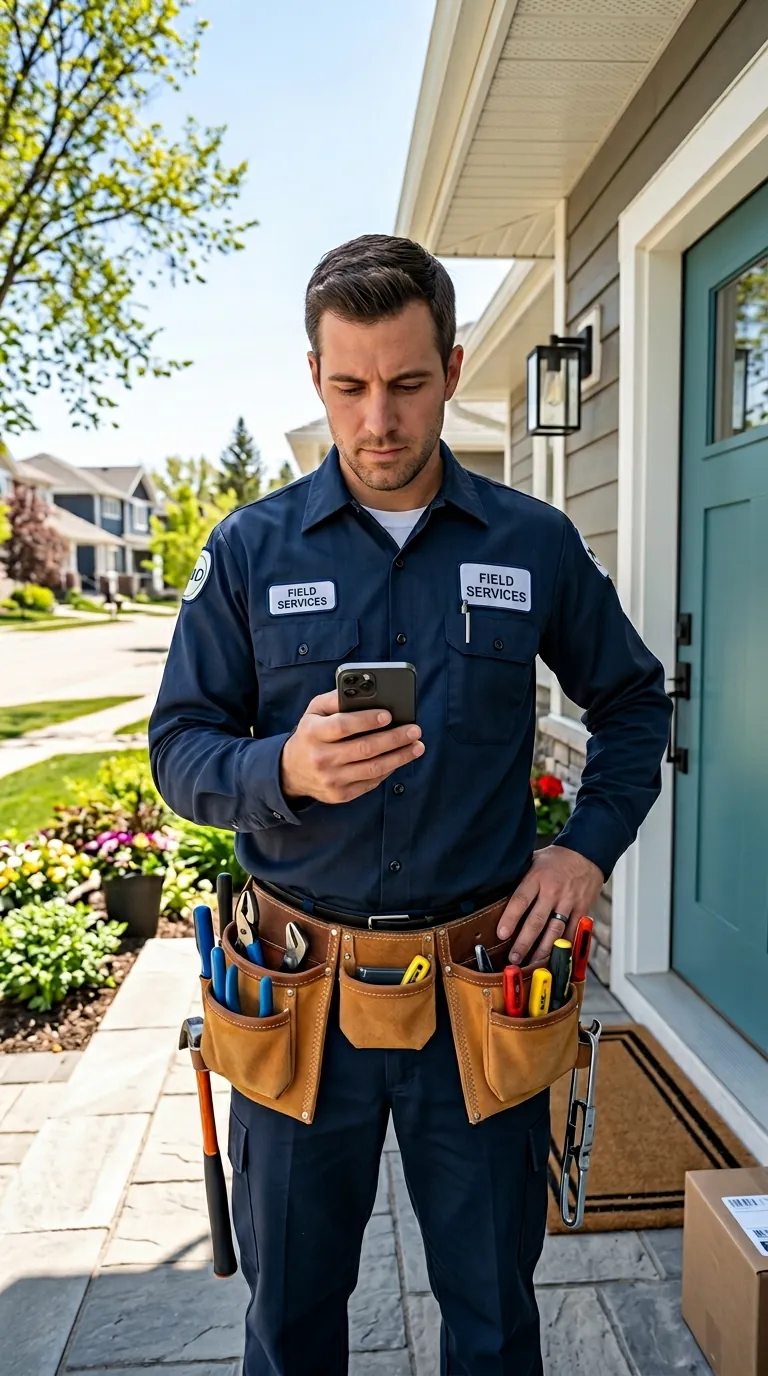
- Phone-based tracking uses the location services of a work app on the technician's phone. It needs no installation, follows the technician from van to basement to second site, and can tie each location point to a specific job.
Both use satellite positioning, and both are subject to the same physics: accuracy "depends on factors outside the government's control, including atmospheric effects, sky blockage, and receiver quality" (GPS.gov). Researchers who measured smartphone satellite range errors found they peak in suburban streets, where buildings and trees block and reflect signals, rather than under open sky or light vegetation (Hu, Yi & Bisnath, Sensors, 2023). That is why arrival detection should use a geofence around the address, not an exact pin.
Phone vs. vehicle tracker: side by side
| Question | Phone app | Vehicle tracker (OBD-II or hardwired) |
|---|---|---|
| What it follows | The technician | The vehicle |
| Hardware to buy or install | None | One device per vehicle |
| Typical pricing model | Included in the software, or per user | Per vehicle, per month |
| Knows which job the location belongs to | Yes, if the app is the job app | Only if matched to a schedule afterwards |
| Works when the tech walks into a building or rides with someone else | Yes | No |
| Works if the phone is dead, off or location is switched off | No | Yes |
| Engine data: idling, diagnostics, fuel | No | Often |
| Theft or recovery of a parked vehicle | No | Yes |
| Electronic logging device (ELD) compliance | No | Only with a certified ELD |
| Who controls the permission | The technician, in phone settings | The employer, at the vehicle |
The last row matters more than it looks. On an iPhone, each app's location access is set to Never, Ask Next Time, While Using the App, or Always, and Precise Location can be switched off so the app only gets an approximate position (Apple). A phone-based system only works when technicians understand why it needs location and agree to it, which is also what the privacy rules below push you toward.
What does vehicle GPS tracking cost?
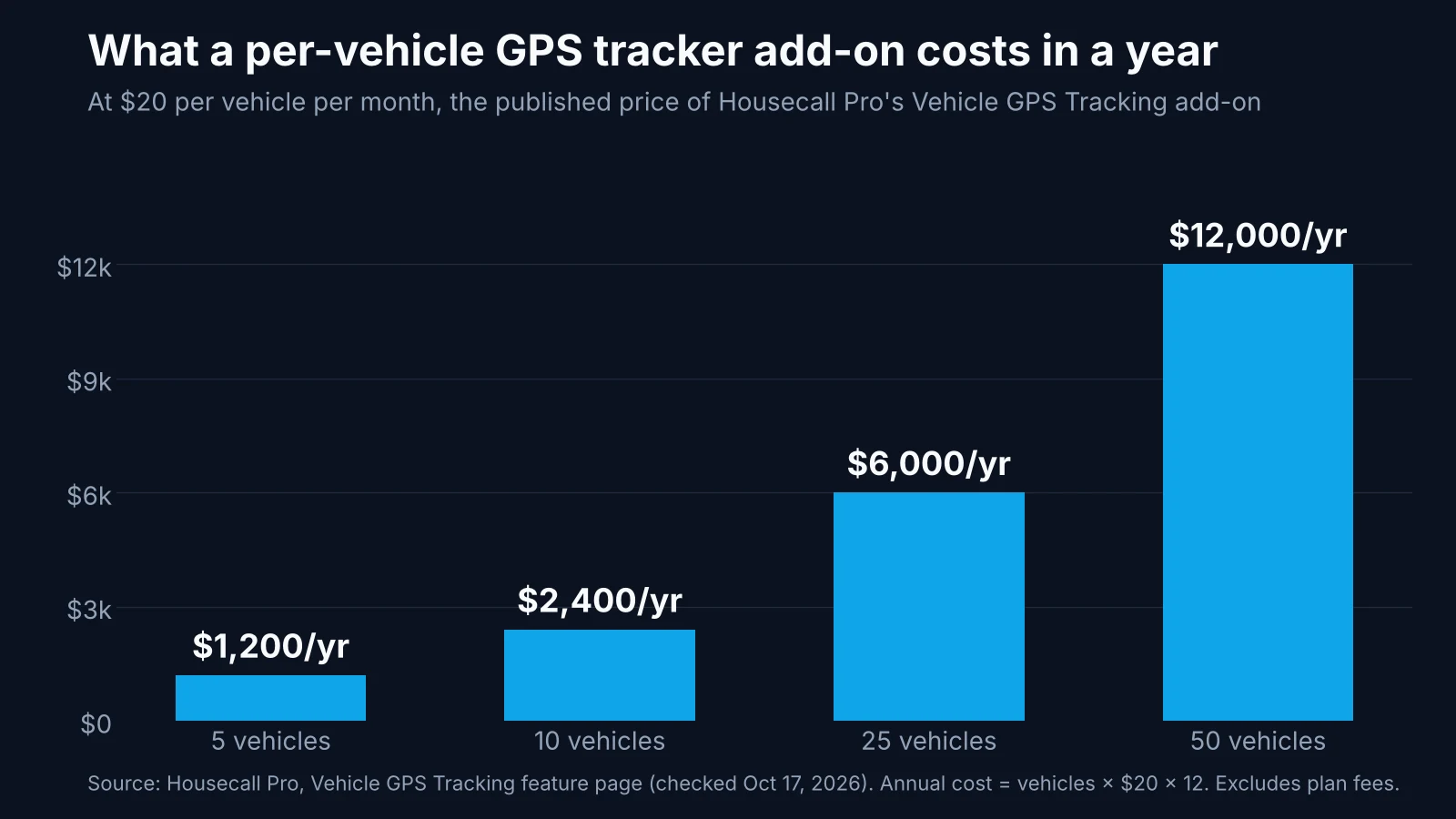
Vehicle tracking is almost always priced per vehicle, per month. Housecall Pro publishes its price: "Vehicle GPS Tracking is a paid add-on at $20 per vehicle per month, with no contract required" (Housecall Pro, checked October 17, 2026). Jobber's live map works "when you install FleetSharp tracking devices in your vehicles," and records a team member's location when they clock in and out; its page does not list a device price (Jobber, checked October 17, 2026).
At $20 a vehicle, the add-on alone costs:
- 5 vehicles: $1,200 a year
- 10 vehicles: $2,400 a year
- 25 vehicles: $6,000 a year
- 50 vehicles: $12,000 a year
That is not wasted money if you use what the hardware adds. Idling is the clearest example: U.S. vehicles burn more than 6 billion gallons of fuel a year while standing still, and roughly half of that is passenger vehicles (U.S. Department of Energy, Alternative Fuels Data Center). A fleet with a real idling or maintenance problem can make engine data pay. A fleet that mainly wants to know who is closest to the next call is paying for data it does not read.
When you need a vehicle tracker anyway
Phone tracking is not the answer for every fleet. Buy hardware when one of these is true:
- Your drivers must keep hours-of-service logs. In the U.S., the ELD rule applies to most motor carriers and drivers who are required to keep records of duty status (North Dakota DOT, citing 49 CFR 395.8), and it "does not change any of the basic hours-of-service rules or exceptions" (FMCSA). In Canada, the mandate applies to federally regulated truck and bus carriers and drivers who had to keep a paper daily log, with enforcement from January 2023 (Transport Canada). A phone app is not an ELD. Most trade vans never fall under these rules, but heavier trucks crossing borders or provinces can.
- Vehicles are stolen, borrowed or parked unattended with valuable stock. Only a device in the vehicle can find it when nobody is in it.
- You manage fuel, idling or maintenance by the engine. Diagnostic trouble codes and idle time come from the engine bus, not the phone.
- Technicians do not carry a work phone and will not use their own. Then the vehicle is the only reliable thing to track.
Plenty of larger fleets run both: hardware for the asset, the phone app for the job and the customer.
Is it legal to track technicians with GPS?
Generally yes, for legitimate business purposes and with notice, but the rules reward a narrow purpose. This is general information, not legal advice; check the rules in your province or state.
- Canada (federal privacy law). In a 2006 investigation of a telecommunications company that put GPS in its installation, repair and construction vehicles, the Office of the Privacy Commissioner of Canada accepted GPS for dispatch, safety and asset management after asking whether it was necessary, effective, proportional and the least privacy-invasive option (OPC, PIPEDA Case Summary #2006-351). It drew the line at routine performance management: "GPS data should not be used as a matter of course in employee management situations." It also called "function creep" unacceptable.
- Ontario. Employers with 25 or more employees in Ontario on January 1 must have a written policy on electronic monitoring, and the province's own example is an employer that "uses GPS (Global Positioning System) to track the movement of an employee's delivery vehicle." The policy must say whether, how and why you monitor, and employees must get a copy within 30 days. The rule "does not create any new privacy rights for employees"; it requires transparency (Ontario Ministry of Labour).
- United States. Rules vary by state. New York, for example, requires prior written notice, acknowledgment and a posted notice when an employer monitors employees' phone, email or internet use (N.Y. Civil Rights Law § 52-c); the statute's text does not mention location, so ask counsel how it applies to your setup.
Phone tracking makes the proportionality argument easier, because a well-built job app collects location for the job and stops sharing it when the job no longer needs it. Whichever you choose, write down the purpose before you switch it on.
A five-step way to decide this week
- Write down the one question you need answered. "Who is closest to this call?" and "When will the tech arrive?" are phone questions. "Where is truck 14 tonight?" and "Why is fuel up 20%?" are vehicle questions.
- Check whether any vehicle is ELD-regulated. If it is, it needs a certified device regardless of what you use for dispatch.
- Count the vehicles and do the arithmetic. Multiply vehicles by the monthly per-vehicle price by 12, and compare it with what the phone-based option includes in its plan.
- Write a one-page monitoring policy. State what you track, when, why, who sees it and how long you keep it. In Ontario, at 25 employees, this is required; everywhere else, it is how you keep technicians on side.
- Pilot with two technicians for two weeks. Check that arrival is detected at real addresses, including basements, apartment towers and rural driveways, before rolling it out.
For what tracking does for completion rates once it is running, see How real-time technician tracking improves job completion rates. For what the customer should see on the other end, see Live tracking: transparency, trust and efficiency.
How ArrivePing does this
ArrivePing is field service software made by NVC360 in Winnipeg, Manitoba. It began as a tool built for a specialty subcontracting operation running more than 800 field technicians, which is where the case for following the technician, not the van, came from.
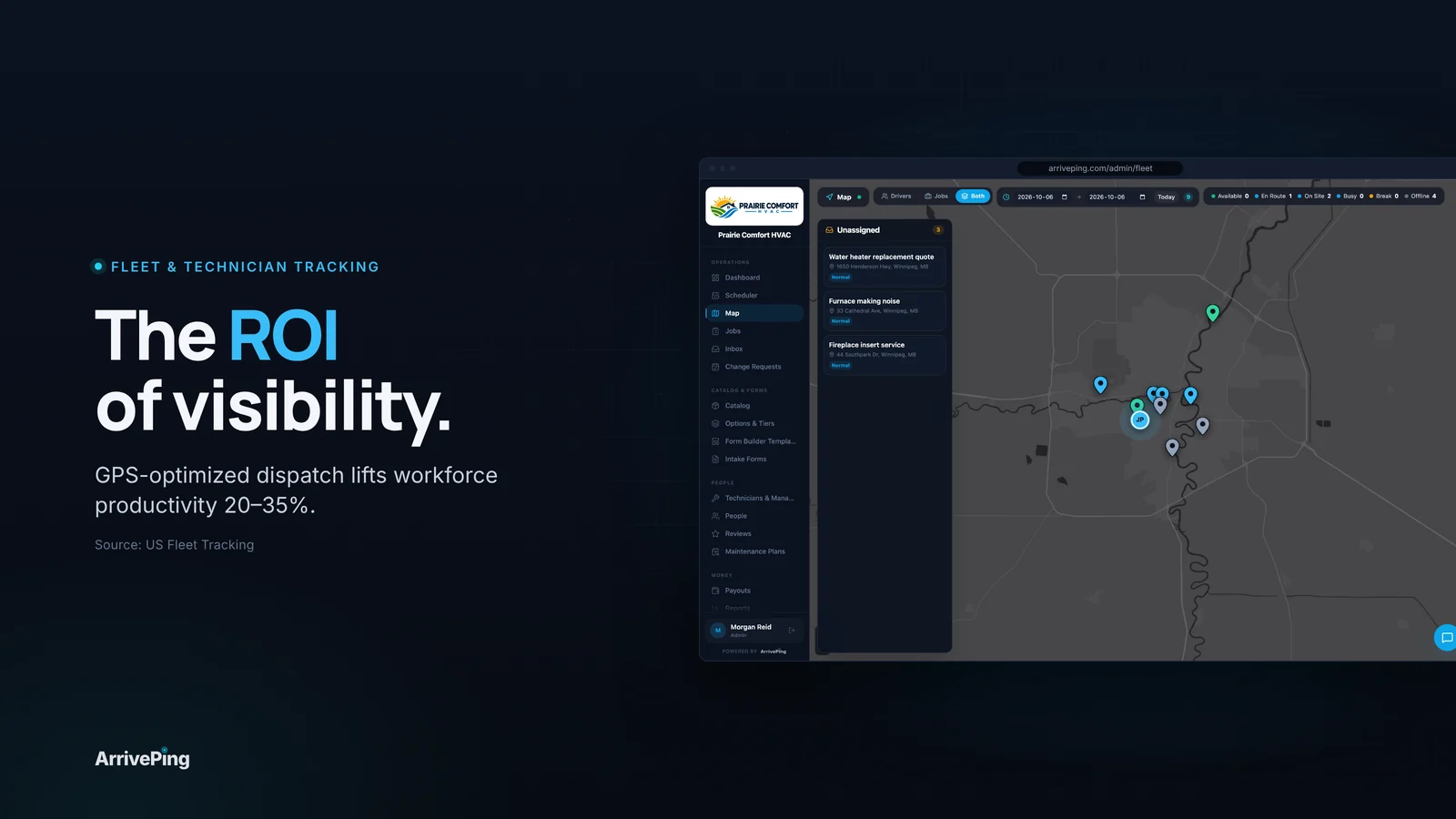
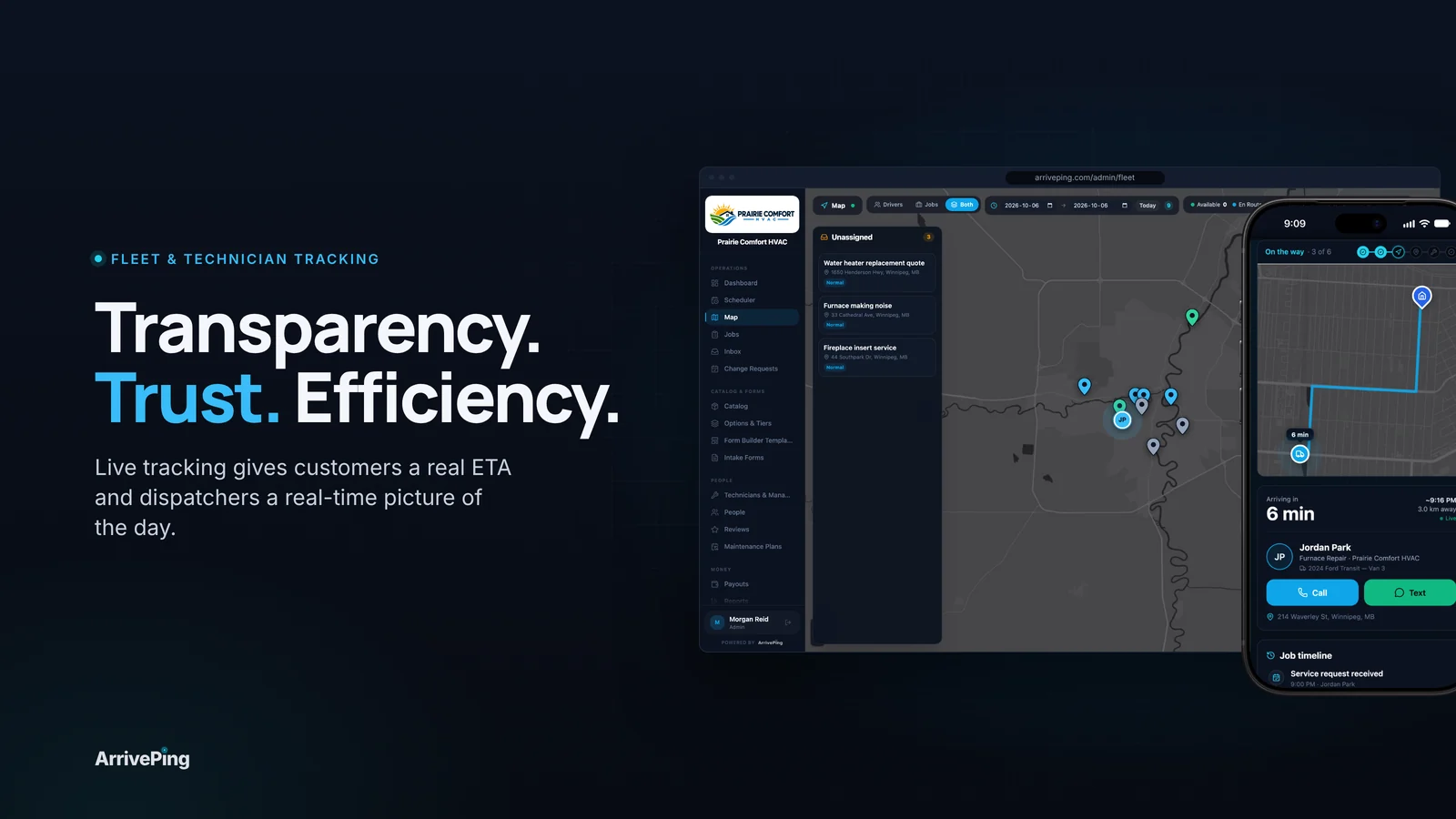
ArrivePing uses the location from the technician app on the phone your team already carries, so there are no plug-in trackers to buy or install (fleet tracking). Dispatchers see every technician and driver on one live map, and ArrivePing auto-assigns each job to the closest qualified technician by distance, skills, availability and workload (dispatch software). A geofence marks arrival at the job address and starts the on-site clock, with a manual tap as backup. When the technician heads out, the customer gets a text with a link to a tracking page for their own appointment, showing the technician's progress on a map and a live ETA (customer notifications). Plans start at $49 a month (pricing).
If you rely on engine data, idling reports or vehicle recovery, keep your telematics hardware; ArrivePing is built for dispatch and the customer's arrival, not engine diagnostics.
FAQ
Can I track my technicians without installing GPS devices in the vans?
Yes. A field service app with phone-based tracking uses each technician's phone location to show them on a live map, assign the nearest job and send customers an ETA. The trade-off is that it only works while the phone is on, charged and allowed to share location.
Is phone GPS accurate enough for dispatch and arrival detection?
For dispatch and ETAs, yes; both phones and vehicle trackers use the same satellite systems, and both lose accuracy near tall buildings and trees. For arrival, use a geofence around the job address rather than an exact point, and give technicians a manual "arrived" tap as a backup.
How much does a GPS tracker for a work van cost per month?
Prices vary by vendor. Housecall Pro publishes its Vehicle GPS Tracking add-on at $20 per vehicle per month with no contract, which is $2,400 a year for 10 vans before any plan fees. Many telematics vendors only quote on request.
Do I need an ELD for my service vans?
Usually not for typical trade vans, but it depends on the vehicle and the work. In the U.S., the ELD rule applies to most carriers and drivers who must keep records of duty status; in Canada, to federally regulated truck and bus carriers that had to keep a paper daily log. A phone app is not a certified ELD, so check your vehicles against the rules.
Do I need my employees' consent to track them with GPS?
Rules vary. Canada's privacy commissioner has accepted GPS in work vehicles for dispatch, safety and asset management when it is necessary and proportionate, but not for routine performance management. Ontario employers with 25 or more employees must have a written electronic monitoring policy, and other jurisdictions have their own notice rules, so write a clear policy and get local legal advice.
Sources
- Pew Research Center. "Mobile Fact Sheet." 2025. https://www.pewresearch.org/internet/fact-sheet/mobile/
- California Air Resources Board. "On-Board Diagnostic II (OBD II) Systems Fact Sheet." https://ww2.arb.ca.gov/resources/fact-sheets/board-diagnostic-ii-obd-ii-systems-fact-sheet
- Housecall Pro. "Vehicle GPS Tracking." Checked October 17, 2026. https://www.housecallpro.com/features/vehicle-gps-tracking/
- GPS.gov (U.S. government). "GPS Accuracy." https://www.gps.gov/systems/gps/performance/accuracy/
- Hu, J., Yi, D. & Bisnath, S. "A Comprehensive Analysis of Smartphone GNSS Range Errors in Realistic Environments." Sensors, 23(3), 1631, 2023. https://pmc.ncbi.nlm.nih.gov/articles/PMC9921678
- Apple. "Turn Location Services and GPS on or off on your iPhone, iPad, or iPod touch." https://support.apple.com/102647
- Jobber. "GPS Tracking App." Checked October 17, 2026. https://www.getjobber.com/features/gps-tracking-app/
- U.S. Department of Energy, Alternative Fuels Data Center. "Idle Reduction Basics." https://afdc.energy.gov/conserve/idle-reduction-basics
- North Dakota Department of Transportation. "What do I need to know about the Electronic Logging Devices?" https://www.dot.nd.gov/node/16852
- Federal Motor Carrier Safety Administration. "Electronic Logging Devices." https://www.fmcsa.dot.gov/hours-service/elds/electronic-logging-devices
- Transport Canada. "Questions and Answers on Electronic Logging Devices (ELDs)." https://tc.canada.ca/en/binder/15-qas
- Office of the Privacy Commissioner of Canada. "PIPEDA Case Summary #2006-351: Use of personal information collected by Global Positioning System considered." 2006. https://www.priv.gc.ca/en/opc-actions-and-decisions/investigations/investigations-into-businesses/2006/pipeda-2006-351
- Ontario Ministry of Labour, Immigration, Training and Skills Development. "Your guide to the Employment Standards Act: Written policy on electronic monitoring of employees." https://www.ontario.ca/document/your-guide-employment-standards-act-0/written-policy-electronic-monitoring-employees
- New York State. Civil Rights Law § 52-c. https://newyork.public.law/laws/n.y._civil_rights_law_section_52-c*2