

Property maintenance
Residents know exactly when maintenance is coming.
Dispatch in-house techs and vendors from one board, text residents a live ETA, and keep photos, checklists and on-site times with every work order.
- Live ETA text, no resident app
- Automatic check-in records time on site
- Required checklist steps before jobs close
Free for 30 days with as many users as you like, then from US$49 a month. Nothing is charged until day 30, and you can cancel any time.
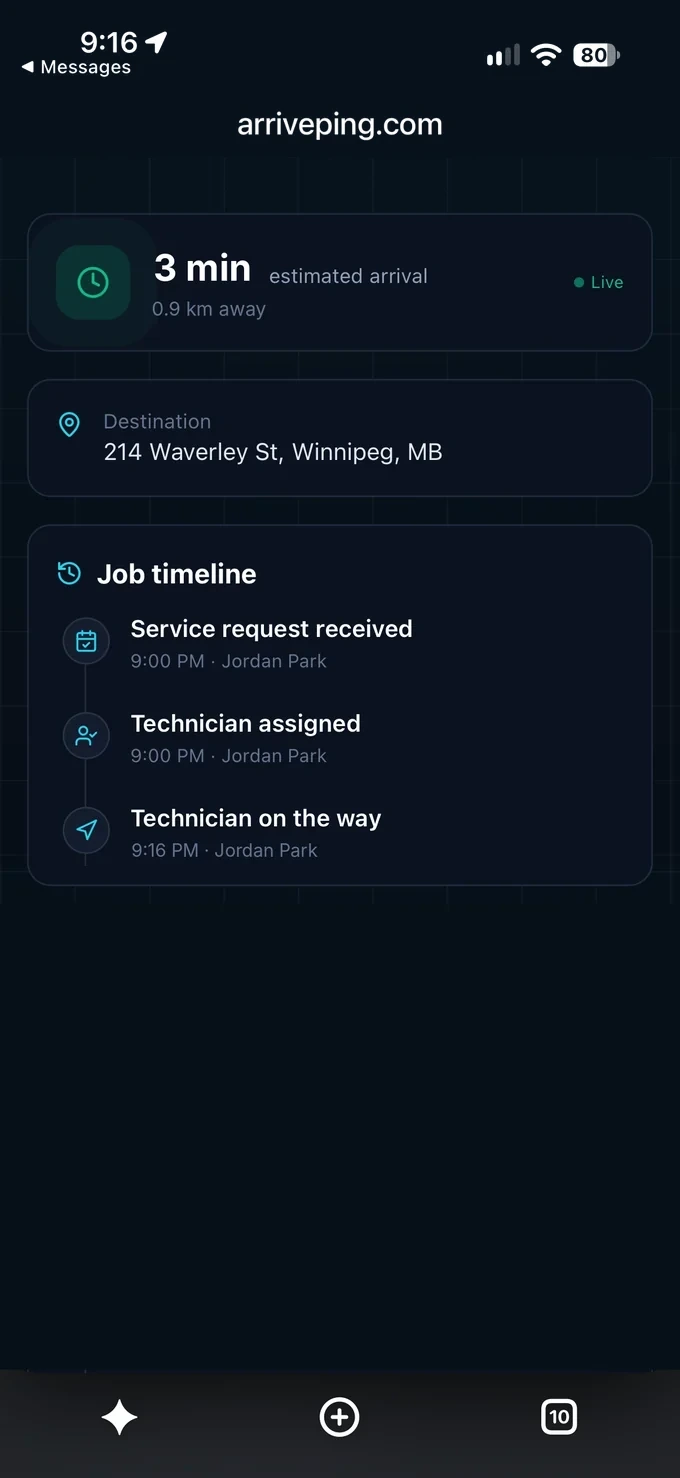
Aspen Parkland Residences: Your technician Omar is on the way! ETA ~16 min. Track live, see ETA & message them: https://arriveping.com/t/7k2q9x
What should property maintenance dispatch software do?
Property maintenance dispatch software should turn resident requests into prioritized work orders and match each job to the right in-house tech or vendor by skill and distance. It should text residents a live ETA, and keep access notes, entry details, photos, required checklists and on-site times with each job, so managers can show what happened in every unit.
What residents expect from maintenance
- 84%of renters expect a response from their property manager within 24 hoursBuildium 2026 Renters' Report, 1,500 U.S. renters (opens in a new tab)
- 6.8 daysis the point where resident satisfaction begins to decline as a repair drags onProperty Meld benchmarking report, 10M+ work orders, 2025 (opens in a new tab)
- 24%of property owners and managers report being understaffed for maintenance operationsParks Associates and GE Appliances survey of 100 owners and managers, 2023 (opens in a new tab)
6:52 a.m., and water through the bathroom ceiling.
Text message from +1 (204) 555-0142: Aspen Parkland Residences: Your technician Omar is on the way! ETA ~16 min. Track live, see ETA & message them: https://arriveping.com/t/7k2q9x
- 6:52 a.m.
The request lands
Hannah, on the third floor of a 48-unit rental building, sends the resident request form: water is dripping through her bathroom ceiling. It lands in the work queue as an emergency, with her access note: “dog in bedroom, please knock.”
- 6:58 a.m.
The right tech, rolling
Ines, the maintenance coordinator, accepts ArrivePing's suggestion of Omar: tagged for plumbing, on call and closest. He accepts and taps Start Driving. Hannah gets a text with his live ETA and a link to message him.
- 7:14 a.m.
On site, on record
Omar is checked in automatically as he parks. He traces the leak to a failed toilet supply line in the unit above, where Victor lets him in. He shuts the water off and photographs both units.
- 8:05 a.m.
Closed, with follow-up booked
The job can't be completed until its required items are ticked: water off, both units checked, entry recorded. Ines books Leo, a drywall subcontractor on two companies' rosters, for Thursday 9–11 a.m., and the office serves Hannah written notice for that window.
Requests, entry and proof, unit by unit.
- 01
Entry steps you can't skip
Make “notice served” or “consent recorded” a required checklist item, so no in-unit job closes without it.
- 02
Access notes on every order
Lockbox codes, pets, alarms and permission to enter live in fields the tech reads before knocking.
- 03
Windows residents can plan around
Book a time window; on-the-way texts and running-late updates keep residents informed without calling the office.
- 04
In-house techs and vendors
Tag skills like licensed electrical work. Vendor techs can be on your roster and on their own company's.
- 05
Make-ready by template
Turnover templates hold paint, cleaning, appliance and safety checks, with photos and sign-off on every job.
- 06
Proof of every visit
Automatic check-in records arrival and time on site. Messages and photos stay with the work order.
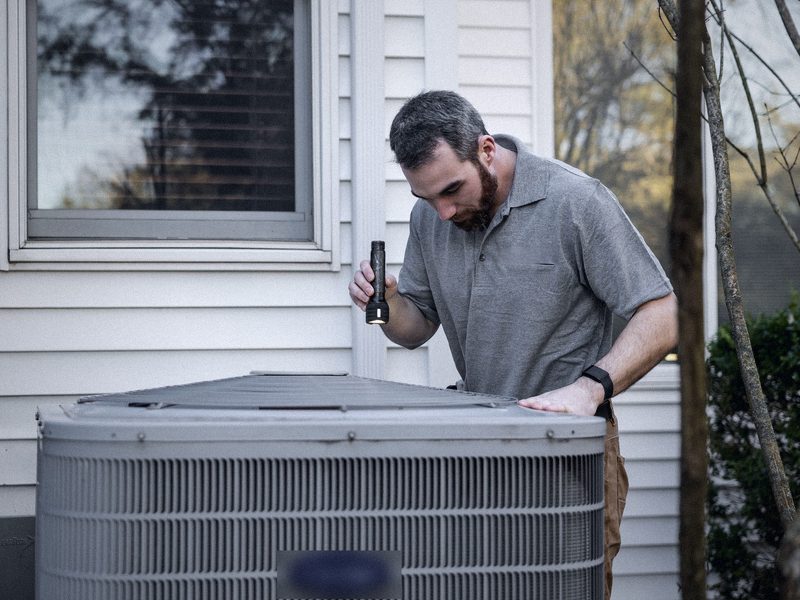
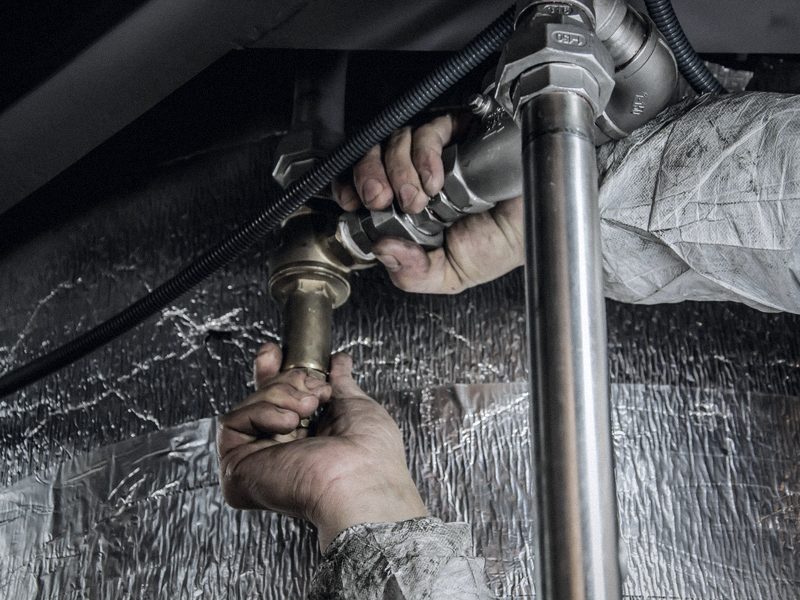
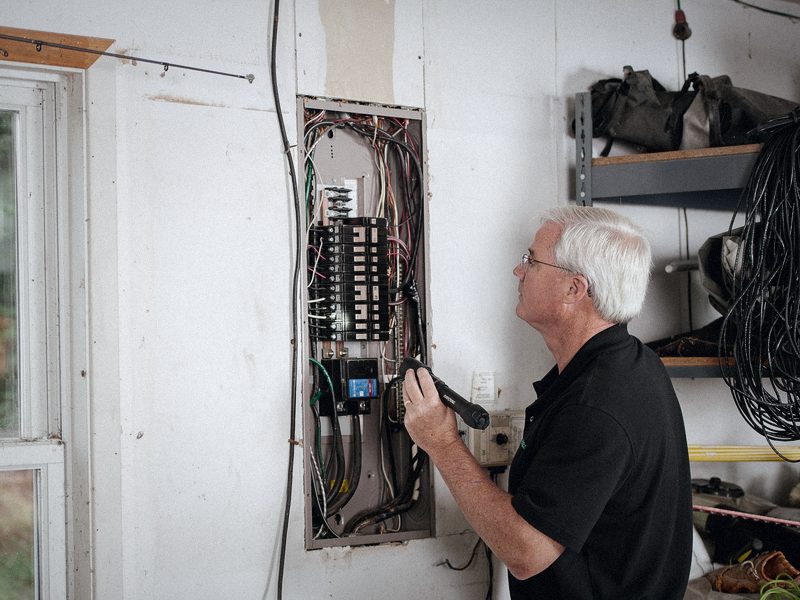
Other trades on ArrivePing.


Common questions
How much notice do we need before maintenance enters a unit?
It depends on the province or state. Ontario requires 24 hours' written notice, with entry between 8 a.m. and 8 p.m.; Washington requires two days; Texas has no statute, so the lease governs. Always check your local rules. ArrivePing doesn't serve notices, but it keeps notice details on the work order and can require a “notice served” checklist item before the job closes.
Do residents need an app, and can they always see the tech?
No app or account is needed. Residents get a text that opens a live page with the tech's name, the ETA, and options to call, text or message. The tech's location appears only once they start driving to that job, and it disappears when they arrive.
Can outside vendors work alongside our in-house techs?
Yes. Vendor techs use the same phone app and can stay on their own company's roster too. Tag their skills, such as electrical or appliance work, and ArrivePing suggests the best match by distance, skills, availability and workload. Your coordinator can always override it.
Can we run make-ready and turnover work in it?
Yes. Build a turnover template with checklists for paint, cleaning, appliances and safety, and make the critical items required. Techs add photos and a sign-off. Priorities and time windows set the order of the turns, and the live map shows who can take the next one.
Does it connect to AppFolio, Buildium or Yardi?
Not with a built-in connector today. You can import from spreadsheets and export to CSV, Excel, PDF or JSON, and send job events through calendar feeds, webhooks to Zapier or Make, or an MCP server. Custom integrations are welcome on every plan, and included with Fleet along with live onboarding.
What does it cost for a maintenance team?
Start with a 30-day free trial for as many users as you like. Your card is kept on file and nothing is charged until day 30; cancel before then and you pay nothing. After that it's US$49 a month for one dispatcher and two technicians, US$30 a month for each technician from 3 to 29, and US$25 from the 30th. No setup fee, no contract.

Dispatch your first job today.
Sign up, paste your website and the setup agent builds your workspace while you watch. Free for 30 days, then from US$49 a month.
- Sign upNo sales call and no demo to book.
- Paste your websiteThe agent builds your brand, services, catalog, job templates and customer texts.
- Invite your teamTechnicians join from a text on the phone they already carry.
Moving from another system or need a custom integration? [email protected]
Start your 30-day free trial
- As many users as you like, for the whole trial
- Card on file, $0 until day 30
- Cancel before day 30 and you're never billed
- Then from US$49 a month: 1 dispatcher + 2 drivers
No setup fee, no contract, no GPS hardware.